Enhanced Messaging
Employees who access a Brite guide during open enrollment do so an average of 3.6 times. In other words, employees who do engage are digging in. Even so, we believe there is more the Brite platform can do to drive higher top-of-funnel results by helping Brokers and HR teams be more intentional about how they get guides into employees' hands. The features included in Brite’s new messaging enhancements are the first of many important steps our team is taking to help accomplish this goal.
What was enhanced?
Guides No Longer Need to be Attached to a Campaign
One key behavior that leads to higher employee guide engagement is communicating with employees outside the open enrollment window, whether throughout the year or in the week or two leading up to OE. To fully enable year-round education use cases, you are no longer required to attach a guide to the campaigns you send from Brite.
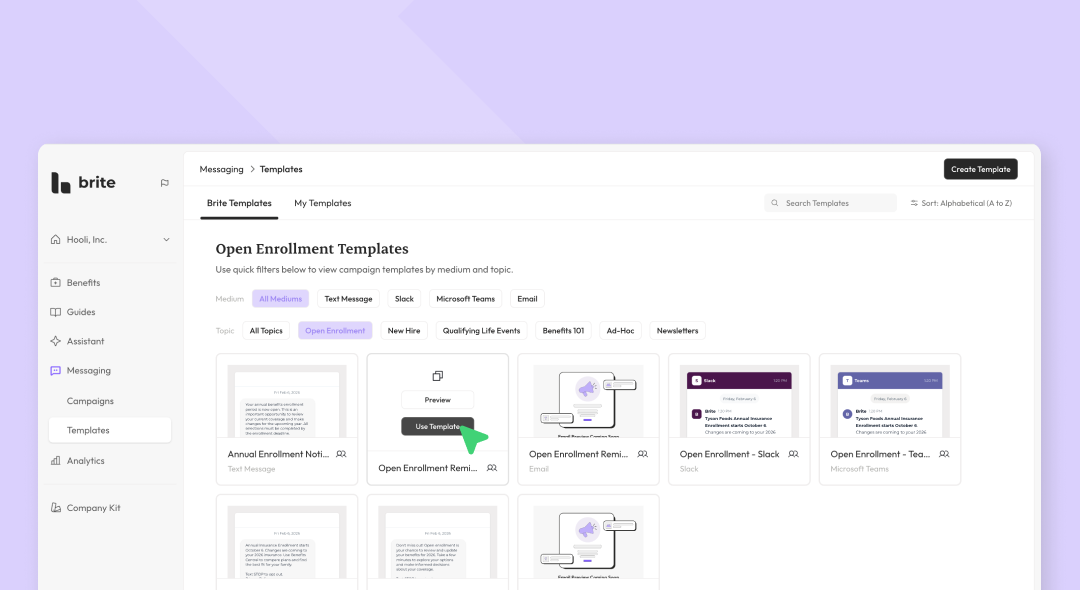
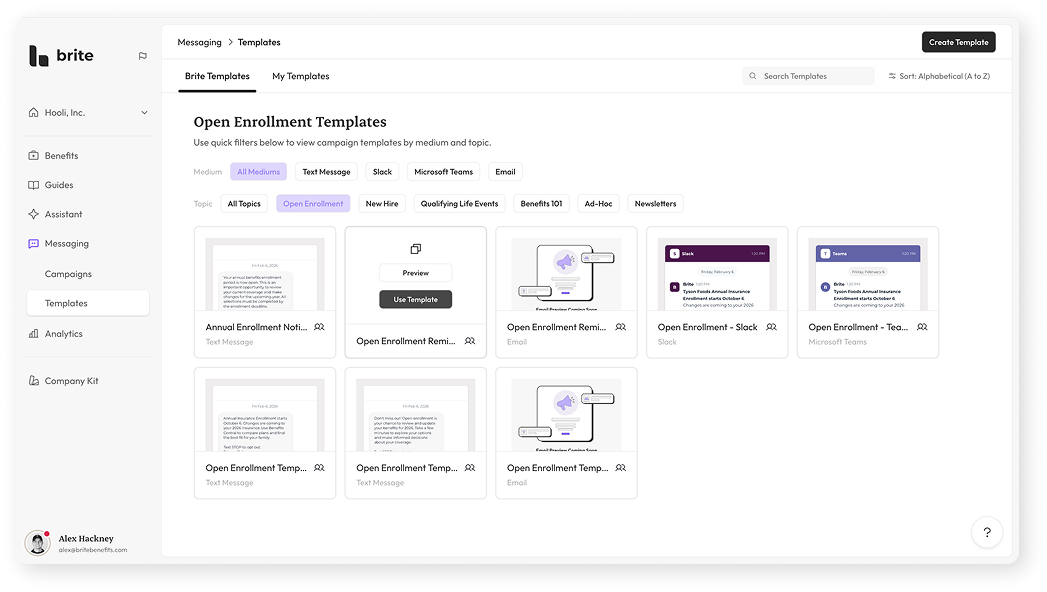
Campaign Templates Library
When drafting campaigns, save yourself time by starting with a template from our updated template library, with quick filters for specific topics like Open Enrollment , New Hire and more.
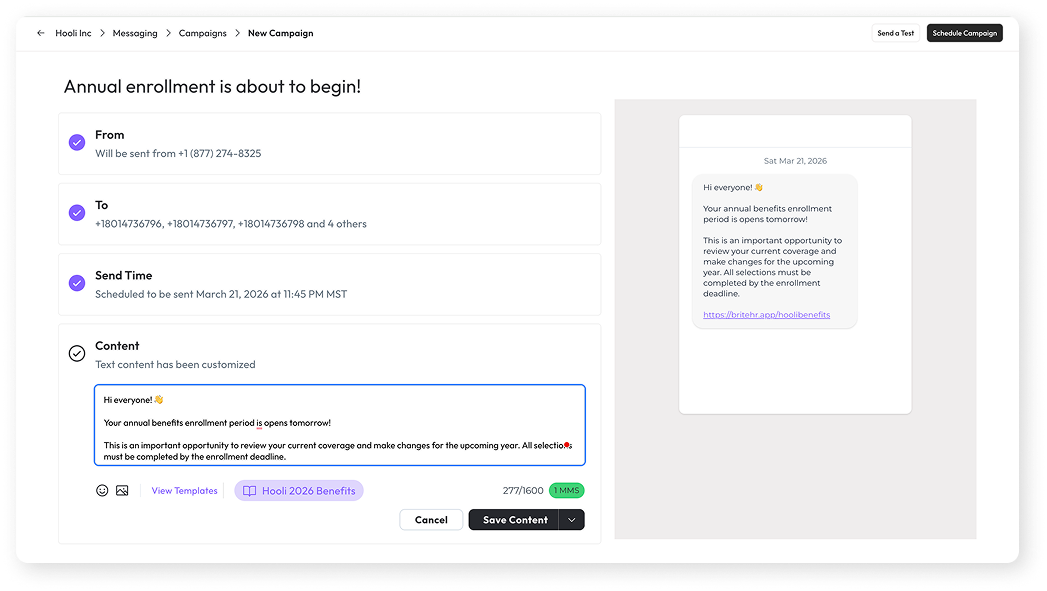
Redesigned Campaign Creation Flow
Creating campaigns now takes place in a single view, making it easier to for you to the details of your message before sending it off to employees. As you complete the content portion of the campaign you will see a preview of the content in the medium you selected for your campaign. For even more confidence before the launch of a campaign, use the Send a Test feature in the top right corner of the page to send your campaign to a yourself and a handful of other recipients.
Campaign Performance
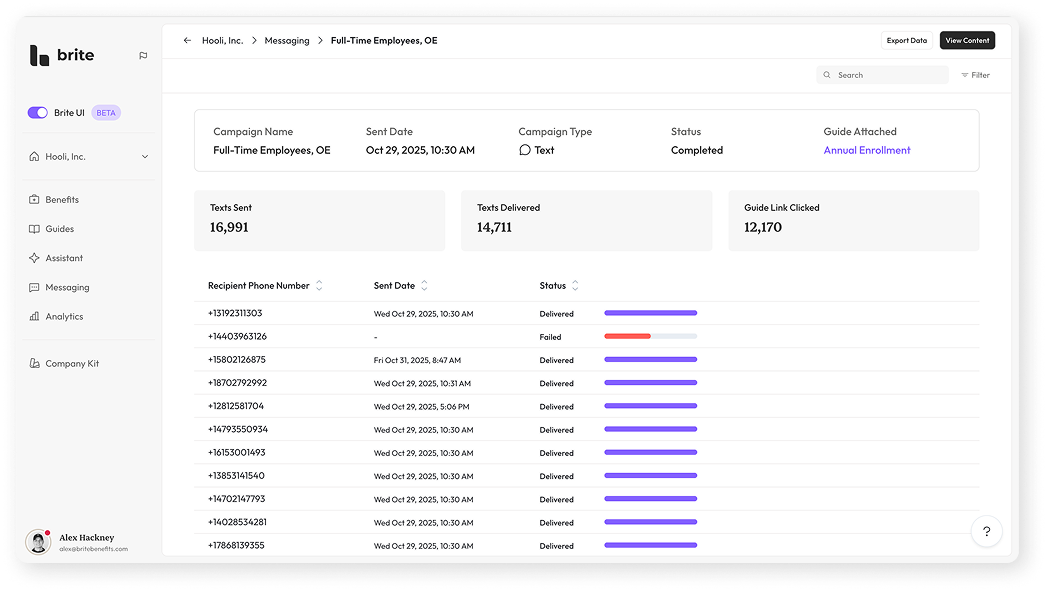
Once your campaign is finished sending, you can review how its performing across each of the targeted recipients of that campaign. If a guide was attached, the performance dashboard will show you how many recipients clicked the link to that guide that was included in your campaign. Review data in aggregate or by individual recipient.
Messaging and the Benefits Assistant
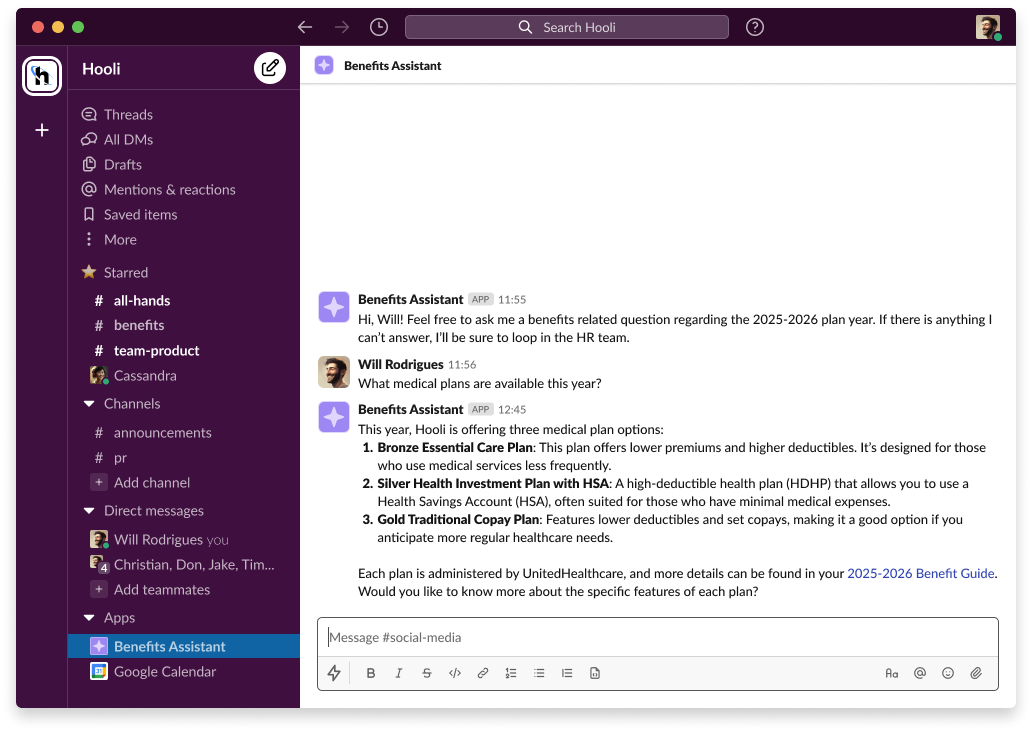
For users utilizing Brite’s Benefits Assistant, you can now configure your assistant so it is accessible within the messaging mediums you leverage to communicate with employees (Slack, Text and Teams). Once configured, employees can get benefits related questions answered without needing to open their benefit guide.
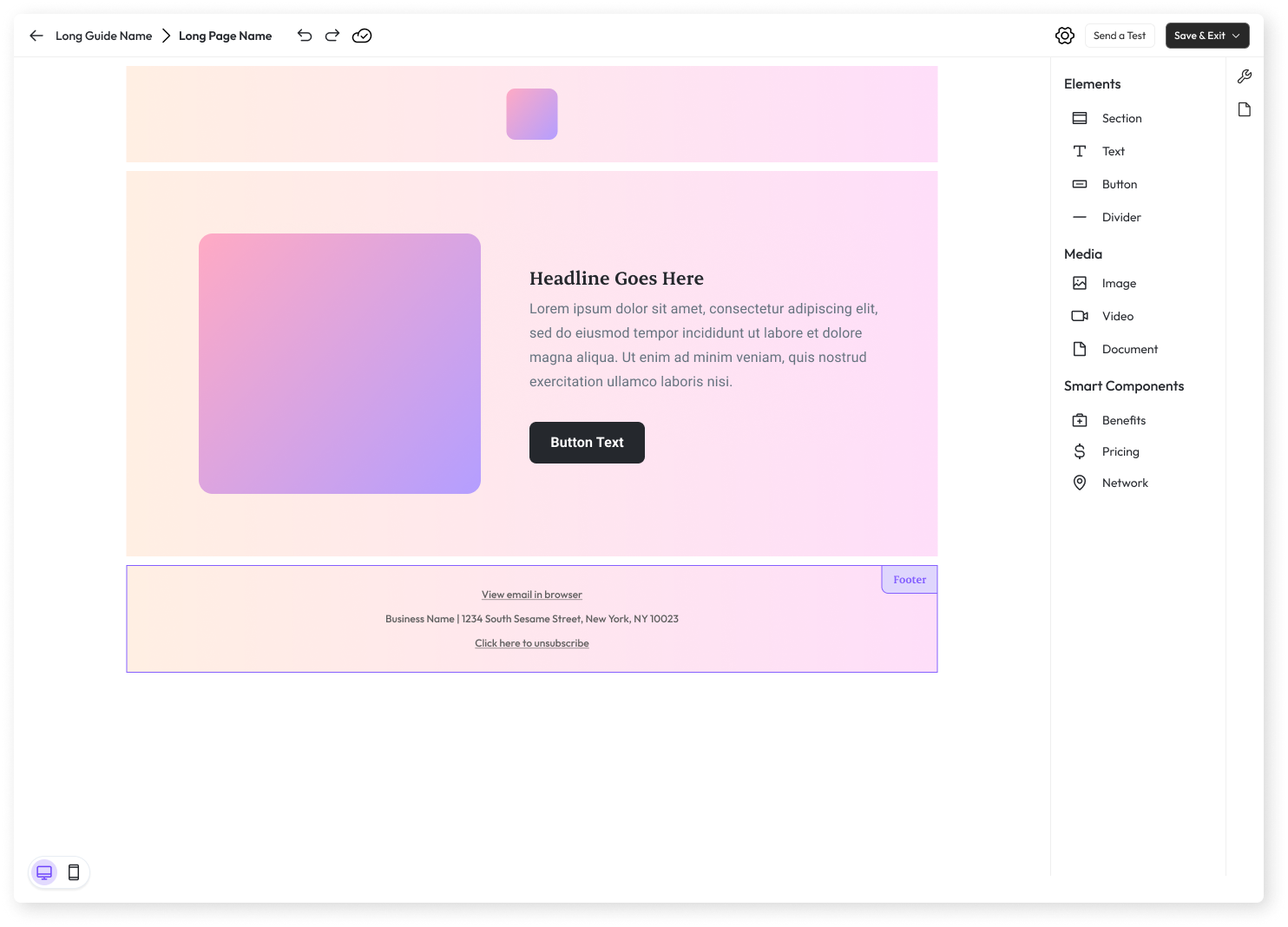
Email Editor (Coming Soon)
One of the most recurring pieces of feedback we receive from users utlitizing Brite’s messaging features is regarding the the lack of creative control available within the current email editor experience. Our team is actively working on granting you full control over the content of the emails you create and send from Brite by providing a familiar editing experience. Stay tuned for our beta rollout of the new Brite Email Editor scheduled late Q1, 2026!