Now Available for Messaging Users, Brite's New Email Editor
Build and send beautiful emails without leaving Brite
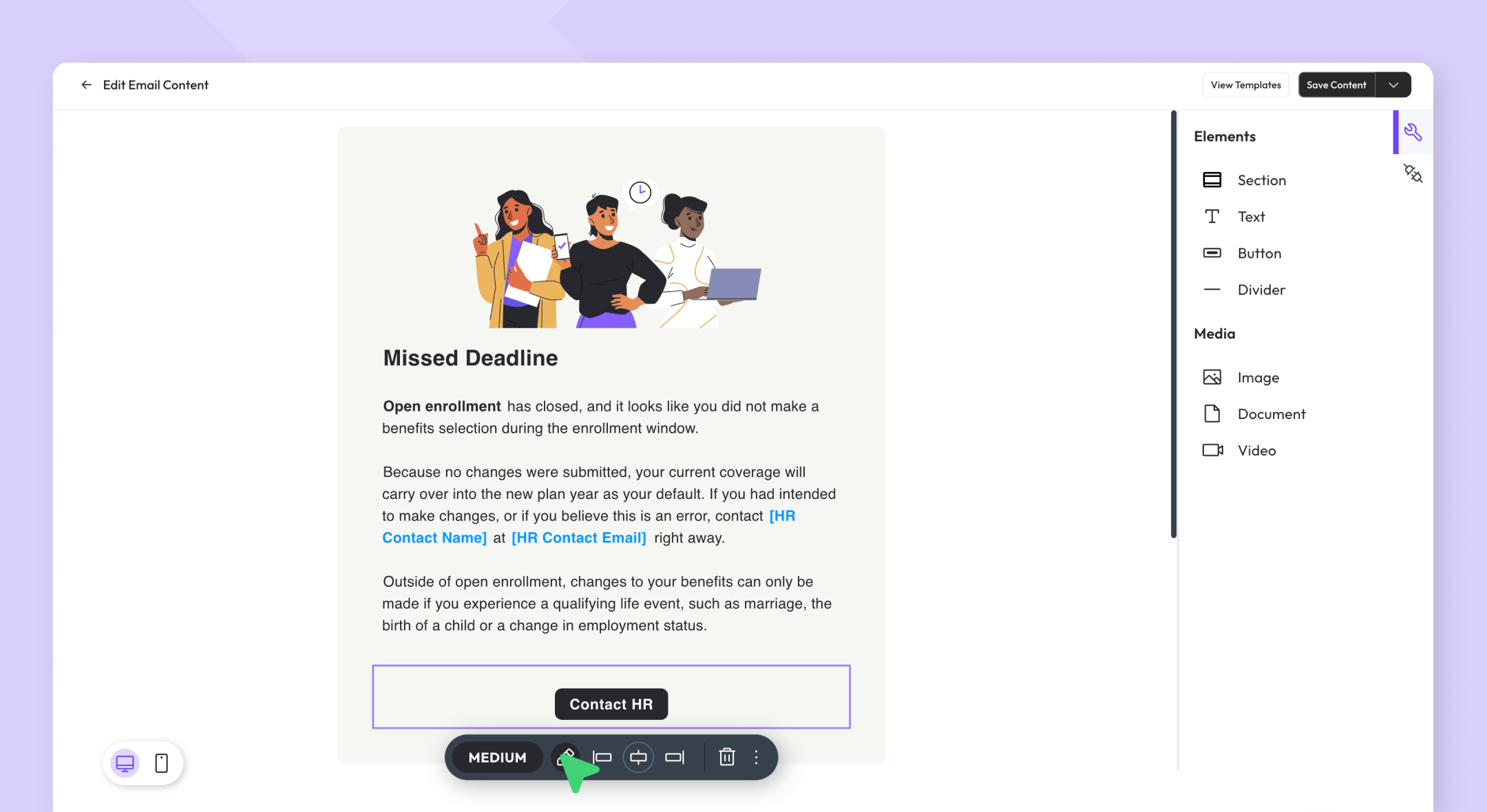
Brite’s very own email editor is here! You now have full creative control over the emails you build and send from Brite, using the same visual drag-and-drop editor you already use for benefits guides. No more basic emails or managing internal employee comms in a third-party tool. Your audience, content, branding and benefits are all in one place and this is a further step to help you make the most of it.
What you can do now
Design emails visually → The email campaign editing experience now uses Brite's full editor. This is the same component set and drag-and-drop workflow you use when building guides. If you've built a Brite guide, you already know how to build an email.
Start from a template → Our campaign templates library includes ready-to-go starting points for common benefits communications use cases. Filter by topic (Open Enrollment, New Hire, plan changes and more), customize the content to fit your audience and send.
Preview before you send → As you build your campaign, you can see a live preview of exactly what your recipients will receive. Use the Send a Test feature to deliver a proof to yourself and a handful of others before you go live.
An important piece of the Enhanced Messaging suite
The email editor joins the messaging enhancements we shipped in February, which included:
Campaigns without guides → Send messages to employees year-round without attaching a guide. Enable pre-OE nudges, mid-year reminders and ad-hoc communications that keep benefits top of mind outside the enrollment window.
Redesigned campaign creation → Build campaigns in a single view with live content preview for the medium you selected (email, SMS, Slack or Teams).
AI assistant in messaging channels → For users with Brite's Benefits Assistant enabled, employees can now get benefits questions answered directly in Slack, Teams or via text, without opening a guide.
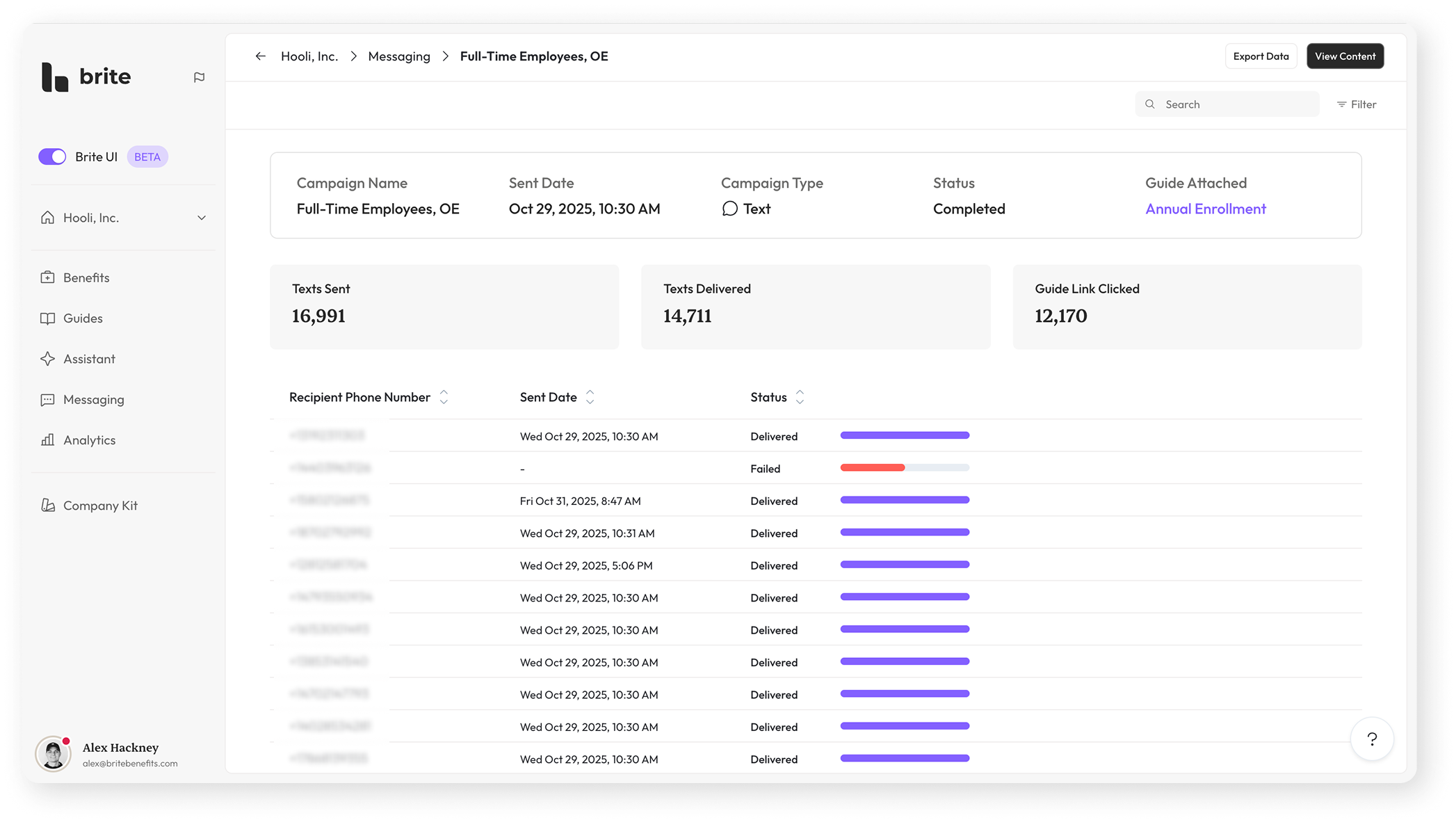
Campaign performance → See how your campaign performed across every recipient. If a guide was attached, track how many recipients clicked through. Review data in aggregate or drill into individual delivery status.
Getting started
The email editor is available now for active Brite Messaging customers. If you are interested in gaining access to our messaging suite, click here to schedule a demo with our team.
If you have any questions, reach out to your assigned Customer Success Manager or contact me directly (alex@britebenefits.com) and we will get you pointed in the right direction!