Introducing Sections
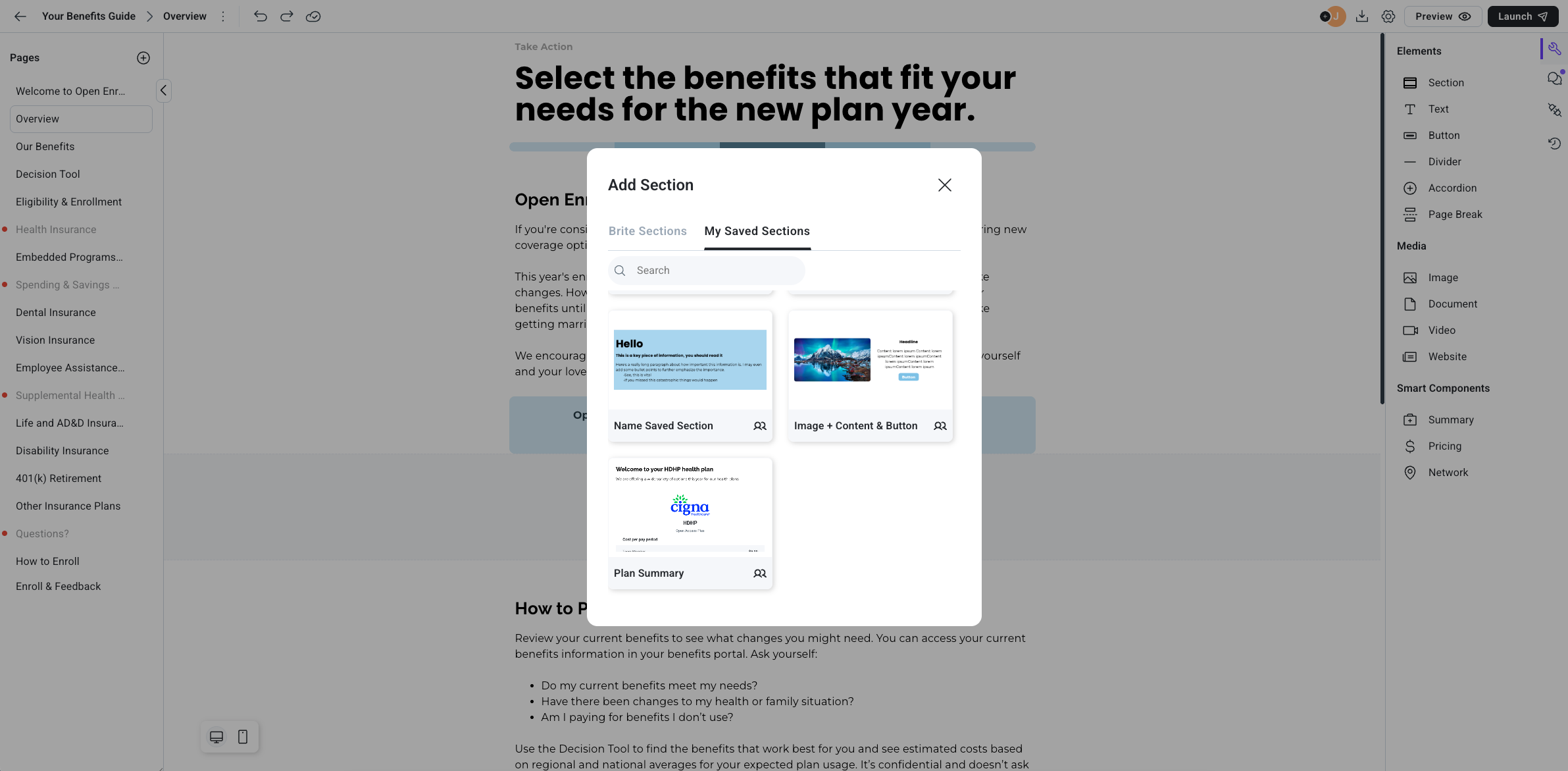
We're excited to unveil this significant upgrade to the Brite editor, introducing a new tool to improve and streamline your content creation experience.
New Feature: Sections in the Editor
Simplify and enhance your content editing process with our newly implemented Sections tool:
Bulk Editing Enabled: Adjust, move, or edit multiple components simultaneously, saving time and ensuring uniformity.
Reusable Section Templates: Create sections, save them as templates, and reuse them across all your guides and companies in Brite.
How to Use:
Locate the redesigned toolbar on the right panel and click the wrench icon if the menu isn’t open already.
Drag the "Sections" tool into your page workspace.
Choose to start with a template or create a section from scratch.
Customize your section by adding elements, setting background colors, adjusting padding, and positioning items.
Save any desired section as a template for future use.