An Updated Look for Benefit Guides
Greetings from the Brite Product team!
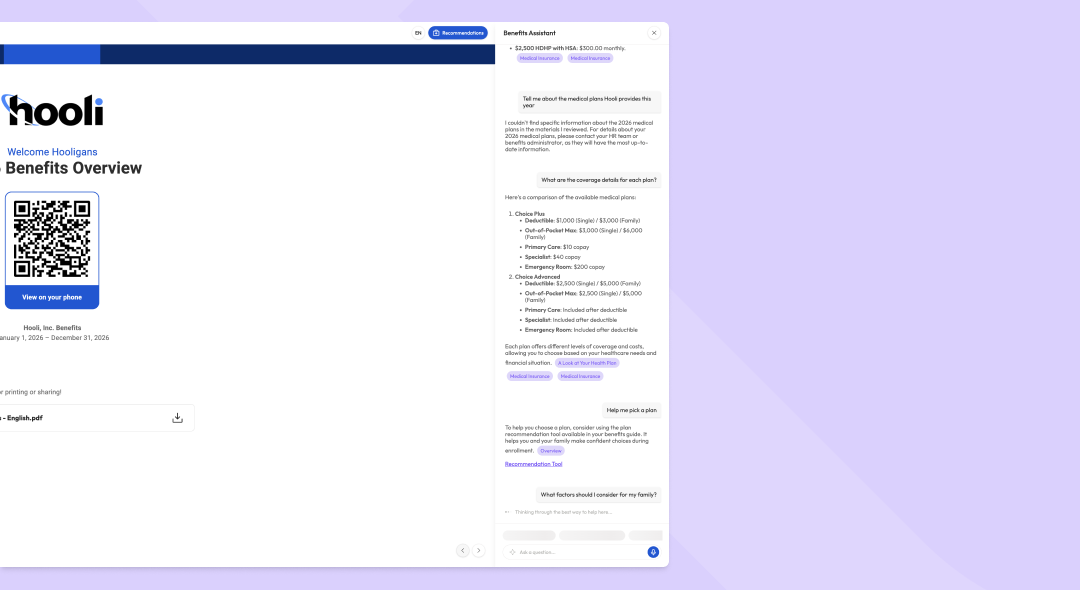
Rollout began this morning for an updated navigation and Assistant experience across all Brite benefit guides. The goal of these updates is to keep more of the guide in view, reduce visual clutter, and give more focus to the Assistant, increasingly how employees prefer to get answers about the benefits outlined in your guide.
What's new
The Assistant, front and center
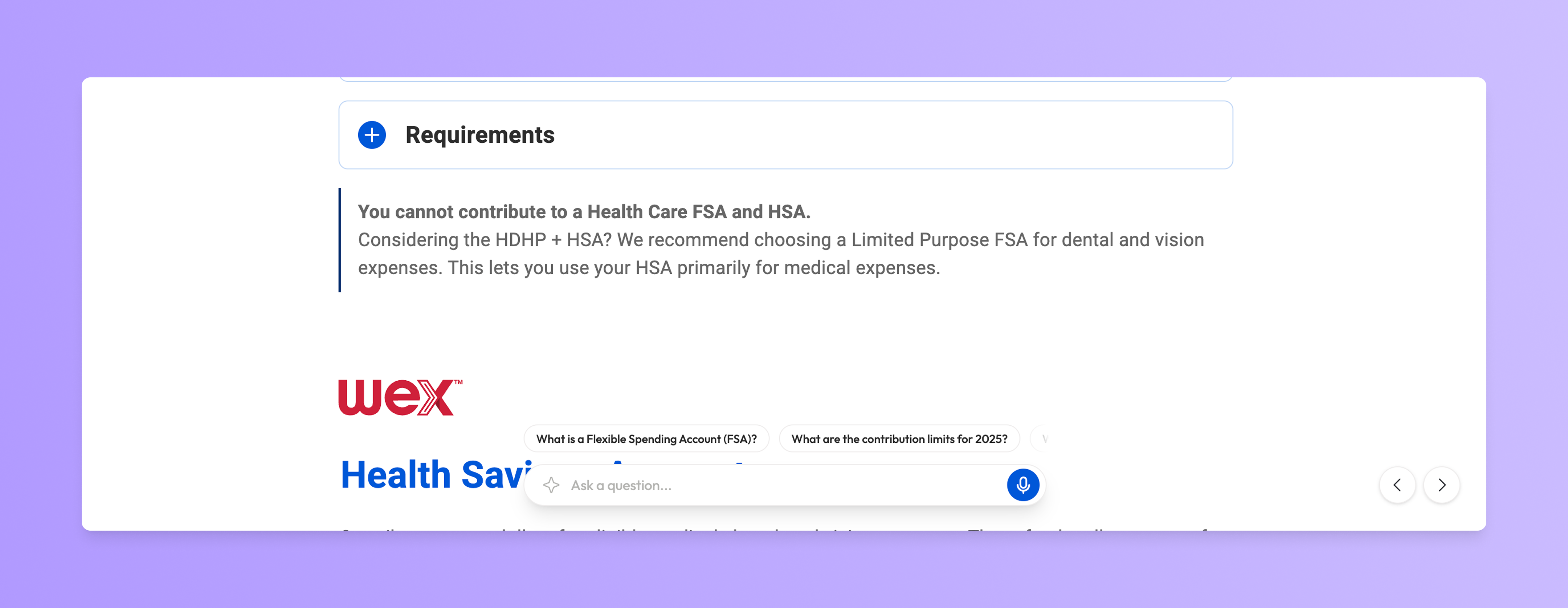
Rather than being nested in a chat window, the Assistant now has a chat input that follows employees from page to page, so asking a question is always a single click away.
More of the guide in view
Side panels replace the pop-ups previously used for the pages list and Assistant chat, so the full guide stays visible while employees browse pages or chat.
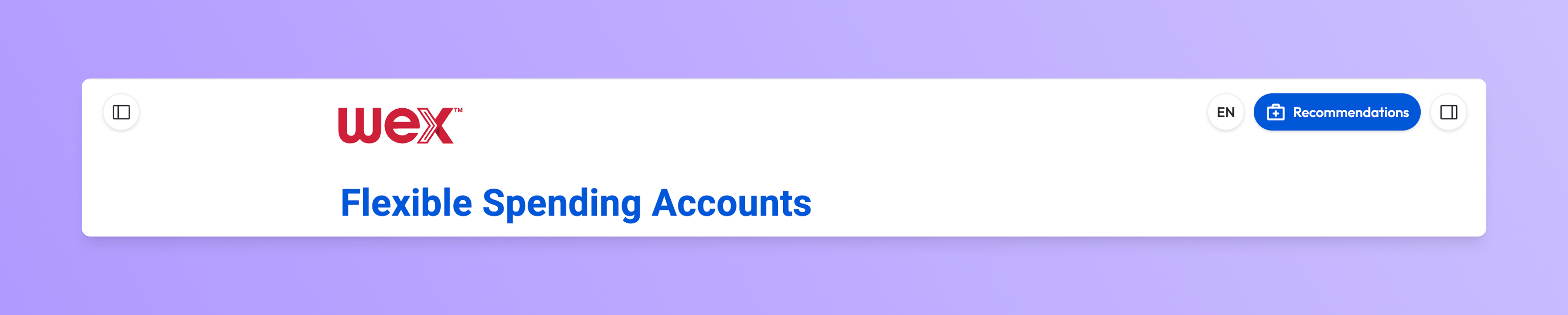
A transparent header and simple floating action buttons replace the fixed white header, putting more focus on your guide content.
Built for mobile
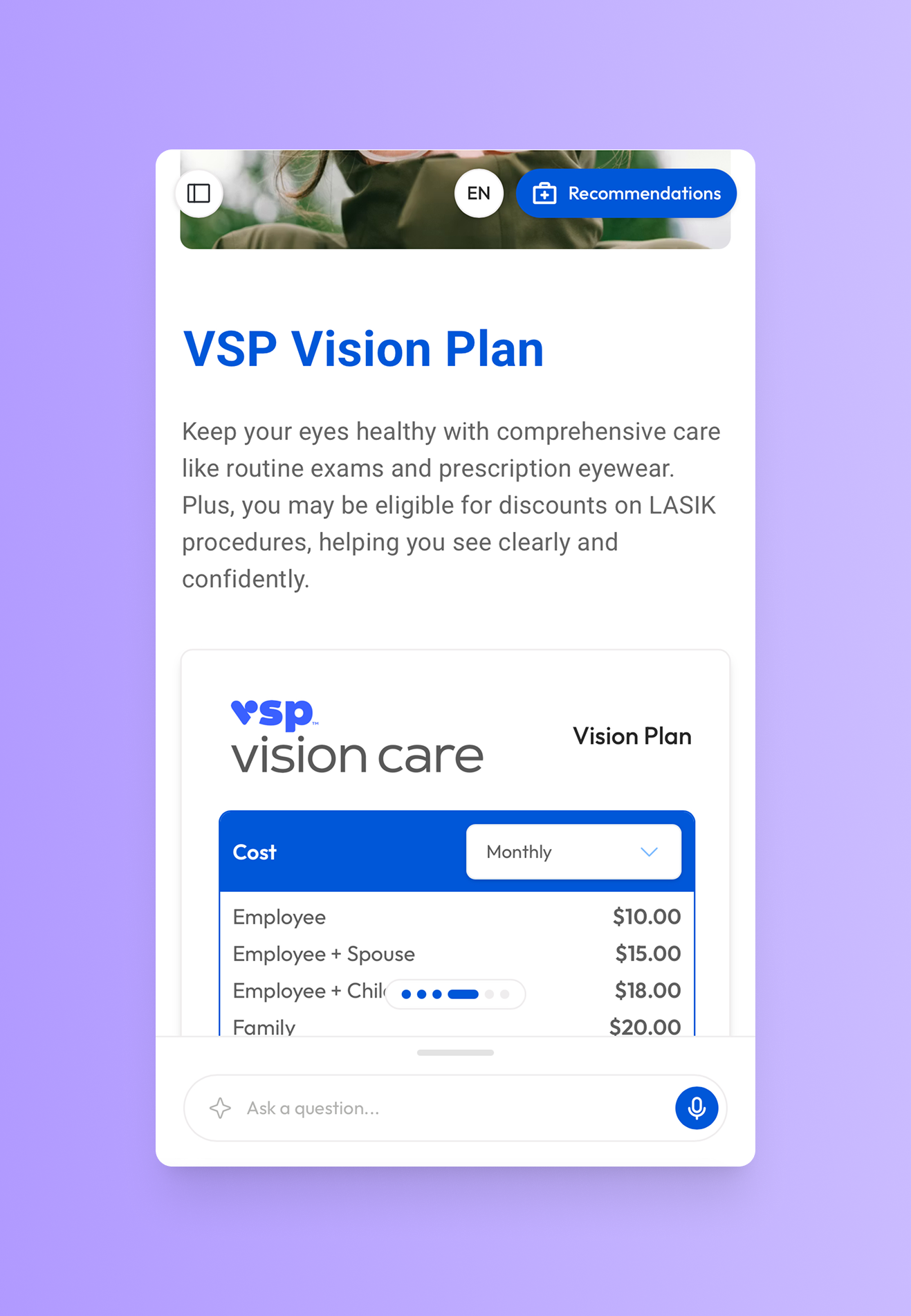
The mobile experience gets the same refreshed look, with familiar floating action buttons and a dedicated drawer for Assistant conversations.
The Assistant drawer stays collapsed by default and opens as the Assistant responds. Drag it down to close and return to the guide when finished.
Smarter Assistant interactions
Thought streaming: while the Assistant works on a response, it shares its train of thought so employees can see it understands the topic at hand.
Suggested questions: as employees move through the guide, the Assistant suggests relevant questions based on the page they're on. Once a conversation is underway, suggestions adapt to what's being discussed.
Key notes
These updates apply automatically to all Brite benefit guides.
There's nothing you or your employees need to turn on to start using the new experience.