An early preview of the next version of Brite
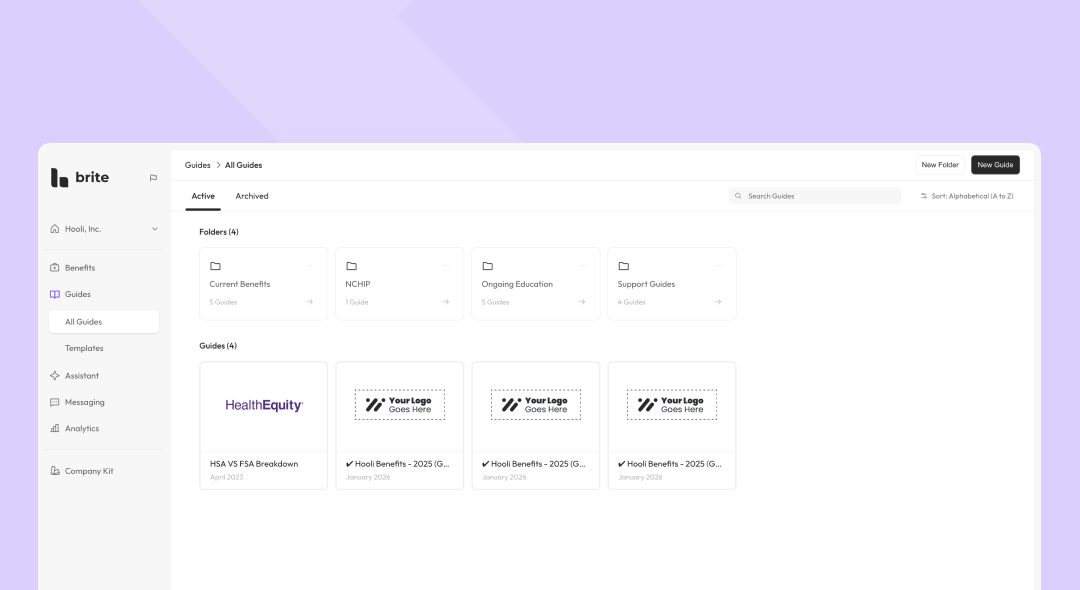
No matter how much you love your space, it's natural after a while to think, “Maybe I should rearrange the furniture” or “Should I paint the walls?”. This is also a common occurrence in software, and for less trivial reasons, we here at Brite have been asking ourselves similar questions.
The Brite admin experience has been long overdue for a fresh new look, an upgrade of sorts, both visually and in ways that provide more value to our users. We are excited to announce an updated interface that you will have the opportunity to preview before it officially launches.
How to Preview
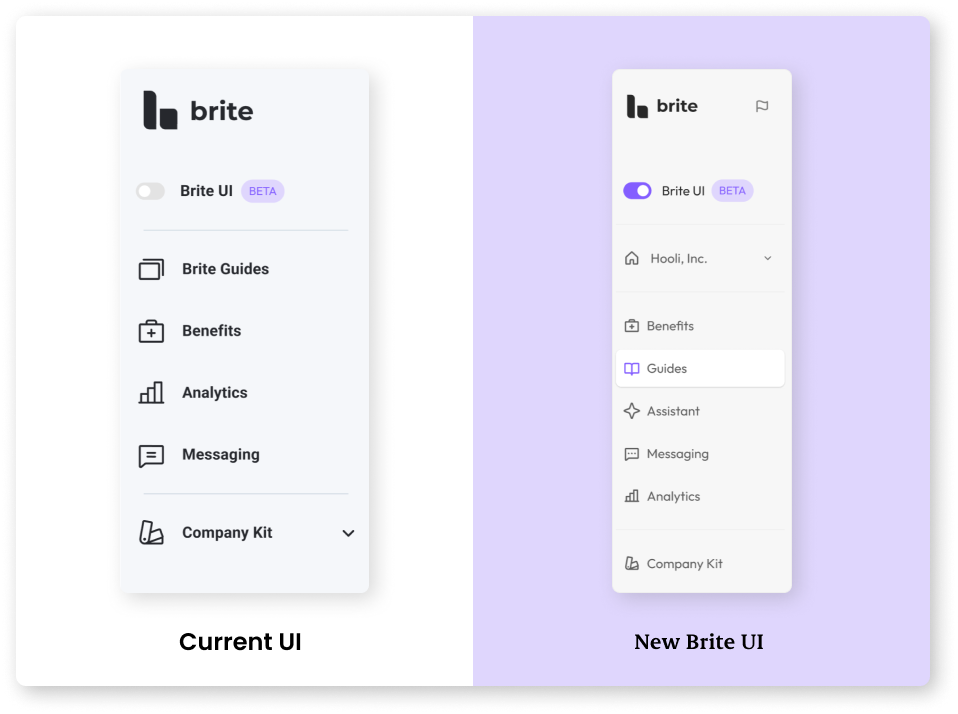
Over the next few days, you will see a new button appear in your Side Navigation bar that says “Preview Brite UI”. Clicking that button will toggle on the new experience for the business you are currently in. When previewing the new interface, clicking the “Exit Brite UI” button will toggle off the experience.
What’s changing?
Though we made tweaks to where a handful of elements live, this update is primarily about how the Brite experience is presented. Here is what will feel new as you preview this interface.
Smaller headers + tighter spacing + modern type scale
Canvas-style layout with more space dedicated to the work area (benefits package forms, editor, analytics, etc.)
Warmer, softer color palette with a clearer visual hierarchy/contrast
The user profile has moved out of the header in the top right down to the bottom left of the page.
Notifications can be found by clicking on the user profile in the bottom left corner of the page
The company selector has moved out of the header and is now nested at the top of the left side navigation.
Past, Active and Upcoming tabs have been added to the Benefit Packages view. Benefit Packages will automatically be categorized into the appropriate tab based on the plan dates for that package.
A new component has been added to analytics dashboards highlight the dashboard name, description and included guides.
Tabs have been added to the Business Details to organize information.
Company Language has been renamed to Verbiage.
The Documents list is now a table that includes the document name, document type and date the document was uploaded.
Design Styles were updated to show the colors and fonts from the list view, so you no longer have to click into a Design Style to know if you found the one you’re searching for.
Users can now be found in the company kit.
A title field has been added to the users table.
Leaving Feedback
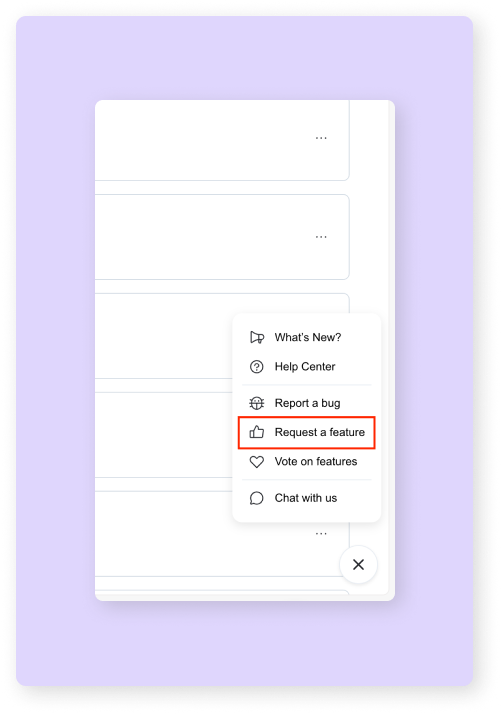
If you have thoughts as you preview the new Brite UI, we would love to hear from you. Click here to leave feedback or click the question mark in the bottom right corner of the page, then Request a Feature .