Help new guide & site visitors with a quick tour
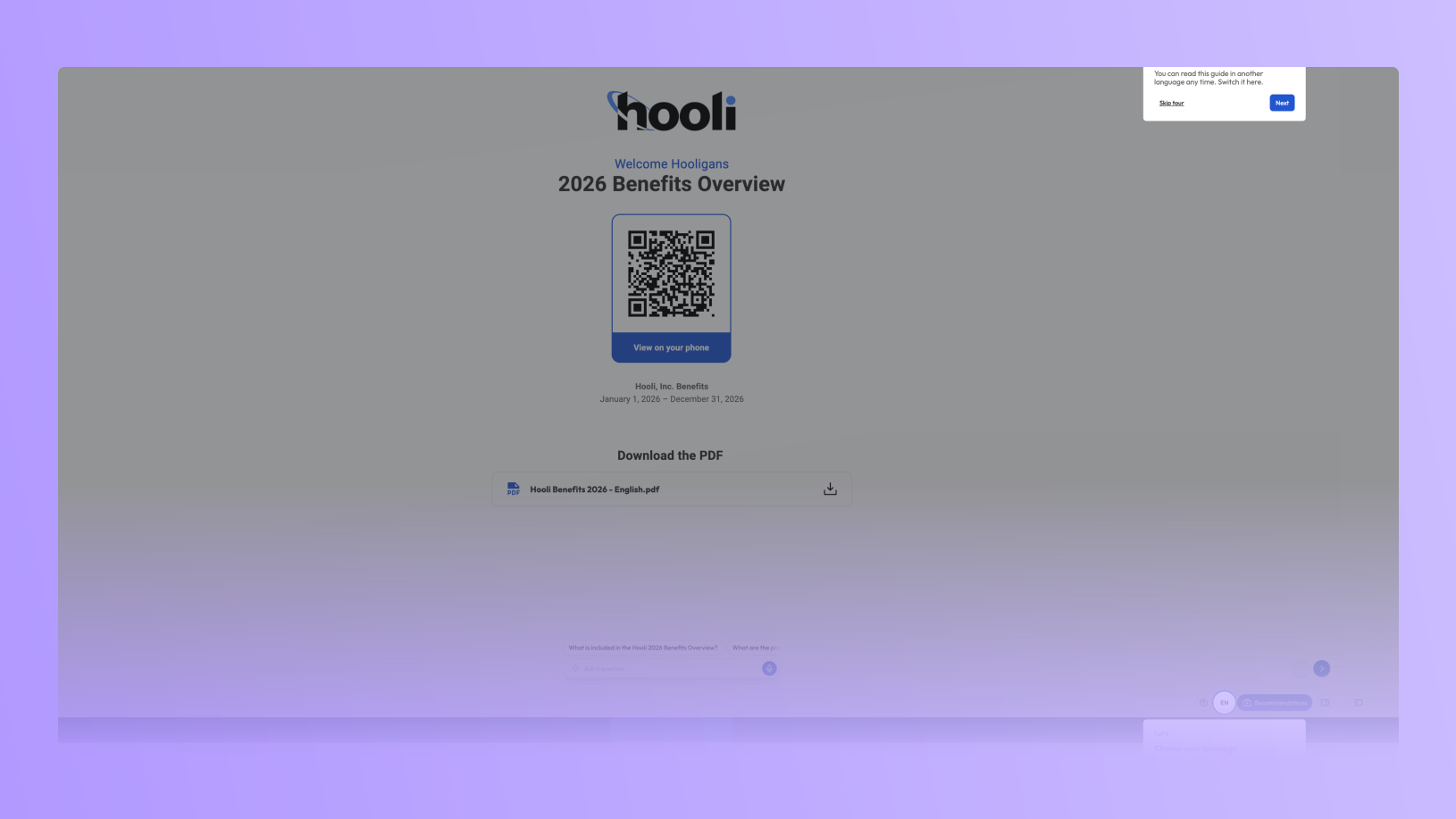
For many employees, open enrollment is their first time in a Brite guide or site. They come to get up to speed on their benefits and the sooner they know how to get around, the sooner they get to the parts that matter most.
Starting Monday, October 26, every guide and site will show first-time visitors a short tour. They will be shown how to change the language, how to get from page to page, and, where you have them turned on, where to find Recommendations and the Assistant. Tours will be on by default, and capable of being individually turned off for any guide or site in its settings.
What employees see
Up to four quick steps → Each one highlights the real control on the page and says what it's for in a sentence: change the language, get around the guide, get a plan recommendation, ask a question.
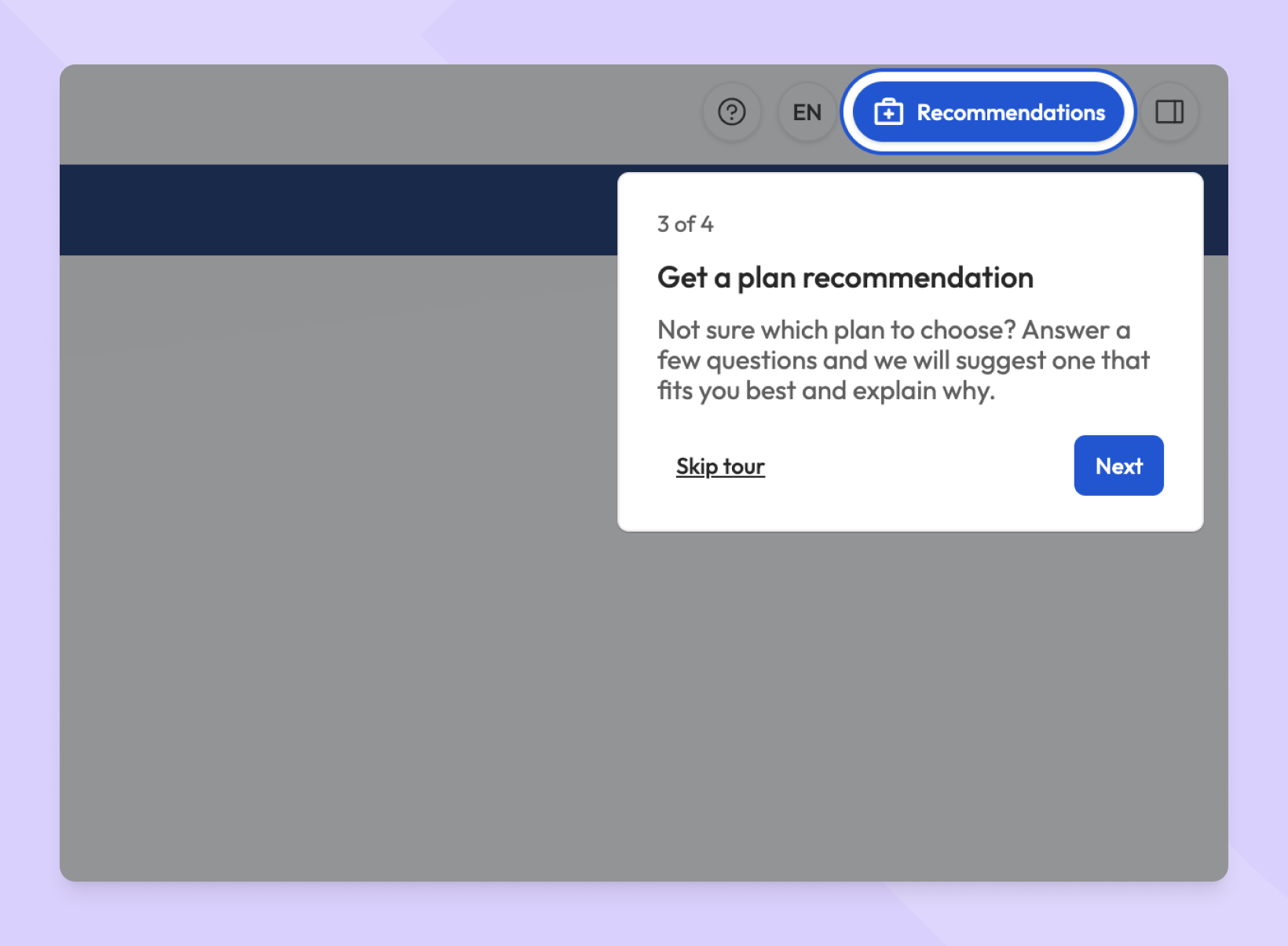
Only what your guide/site has → If a guide/site doesn't use the Recommendation Tool or the Assistant, that step is left out and the tour gets shorter. Nobody gets pointed at a button that isn't there.
Shown once, easy to skip → The walkthrough appears the first time someone opens a guide on their device. They can skip it at any step, and a new ? button in the header plays it again whenever they want.
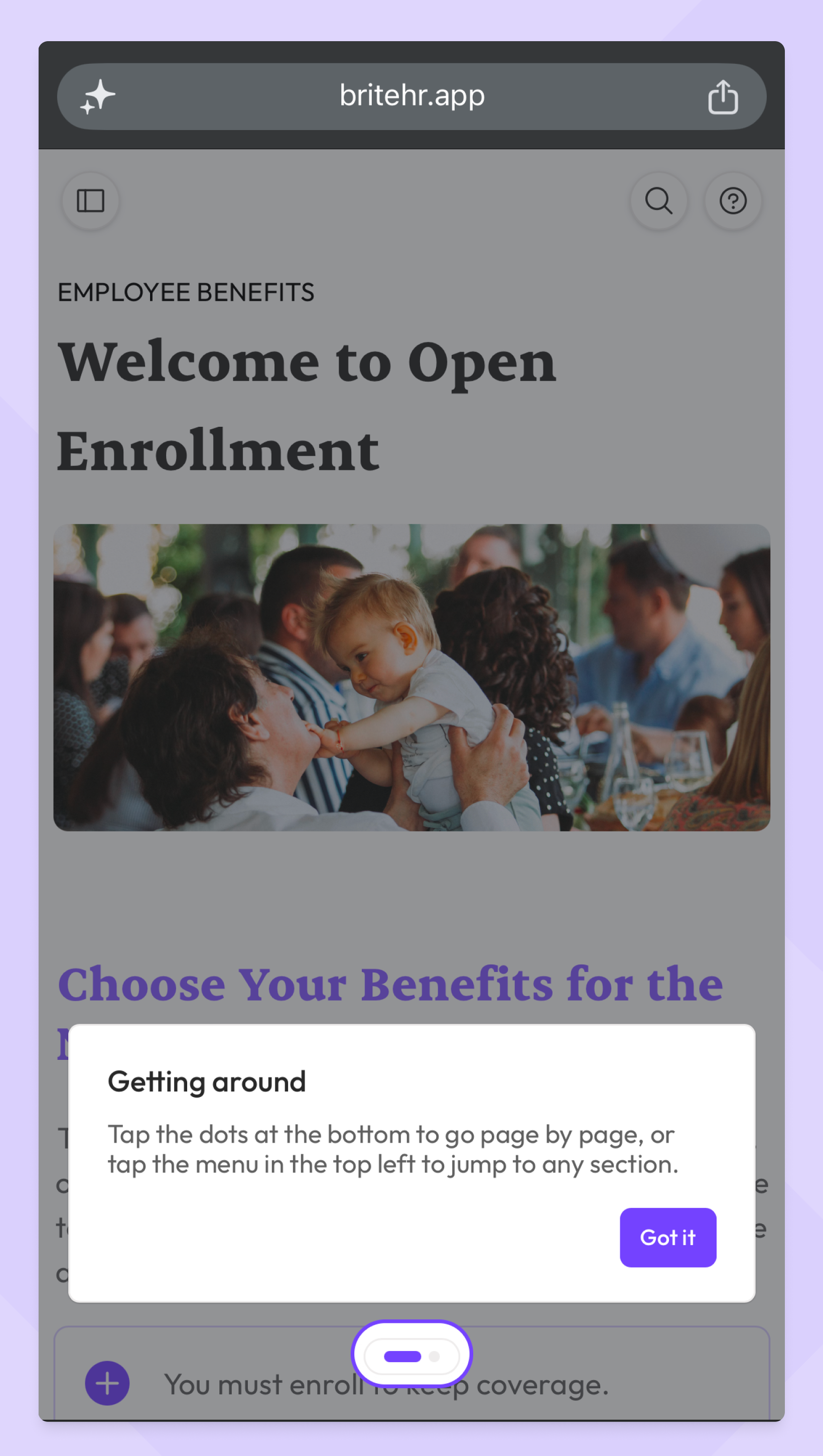
Built for phones too → On a phone, each step sits at the top or bottom of the screen so it doesn't cover the content, and it points at the page dots instead of Back and Next.
In every language your education offers. The walkthrough translates automatically along with the rest of your guide.
Out of the way when it should be. It waits until after a passcode, class selection or language prompt. And if an employee taps the control being highlighted, the tour ends and the control does what they tapped.
Getting started
Once tours are live, no setup will be required. To experience a tour for yourself, open one of your guides or sites in a private browser window, or tap the ? button in its header. If you decide that you don’t want a tour on for your education, you can always turn it off in the settings for that guide or site. For questions or a quick walkthrough, reach out to your CSM or email support@britebenefits.com.