Introducing Background Images in Sections

Experience greater customization and design flexibility with our latest feature:
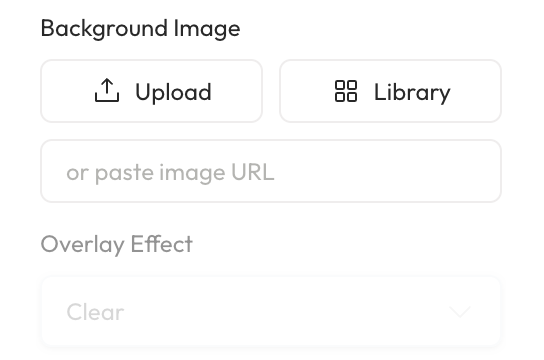
Add Background Images: Users can now incorporate background images behind their section content, enabling visually engaging designs.
Expanded Design Options: Refine backgrounds further by choosing overlay effects like faded or frosted styles.
How to Use It:
Create a section and add your desired content. To add a background image to the section:
Click the ellipsis on the top right of the section.
Alternatively, double-click on the section's side.
In the properties panel, locate the "add background" option.
Select from the background options and apply the desired overlay effects.