Print Preview in Brite
We are excited to present the latest improvements to the Brite platform, focusing on making Brite the solution for building guides, printed or digital.
This feature is only accessible in the new Brite Editor, so click that “Update” button to get access!
Here’s a quick demo to see it in action.
Print Preview in Brite
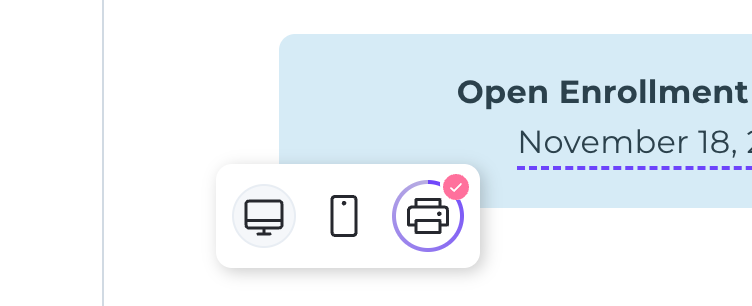
New Print View: Allows you to preview your guide in printed format directly within the editor.
Editing Convenience: You can seamlessly transition between editing and previewing, speeding up your workflow. No more exporting every time you want to see what a change will look like on a PDF.
How to Access
Open a guide within Brite.
Navigate to the view options menu located at the bottom left.
Select the print icon to display the print view.
To make a change, navigate back to the Desktop view, adjust your content, and then return to the Print view once it has been rendered to see the changes.
This release marks the beginning of our commitment to integrate print and digital guide creation seamlessly.